
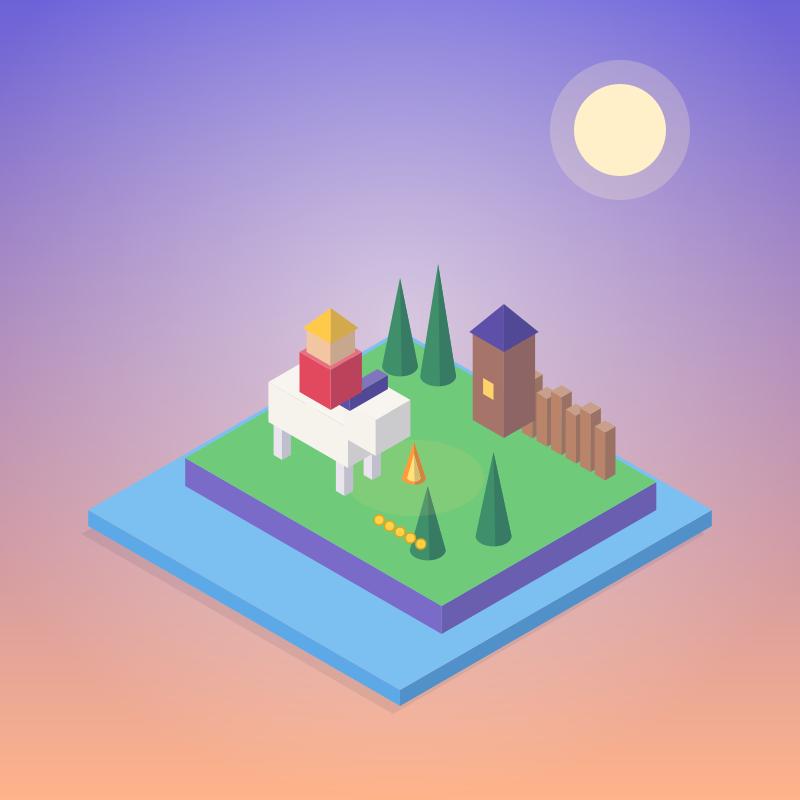
 Kingdom Two Crowns
 Snufkin
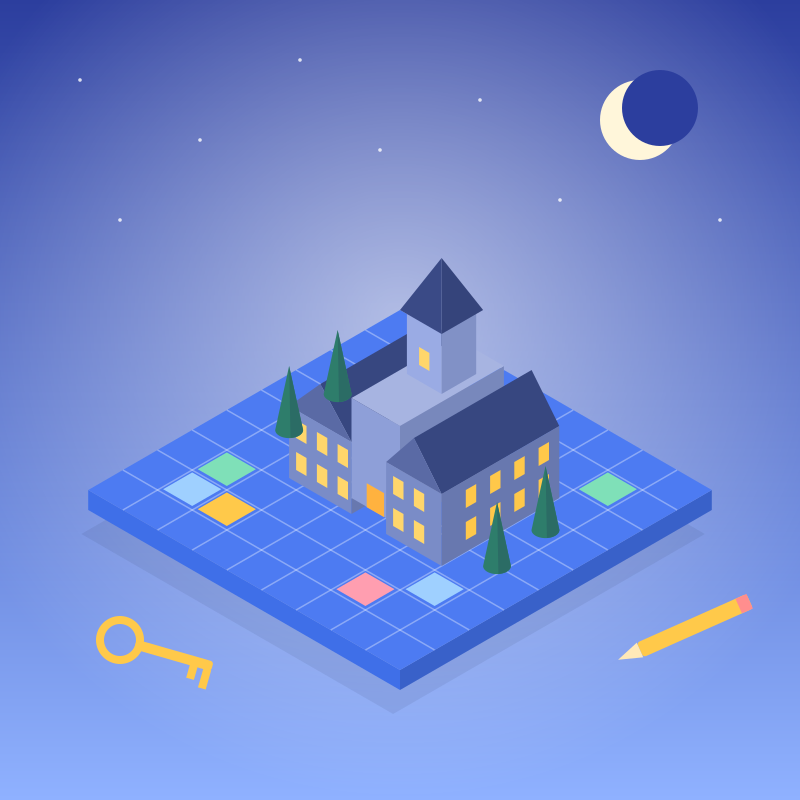 Blue Prince
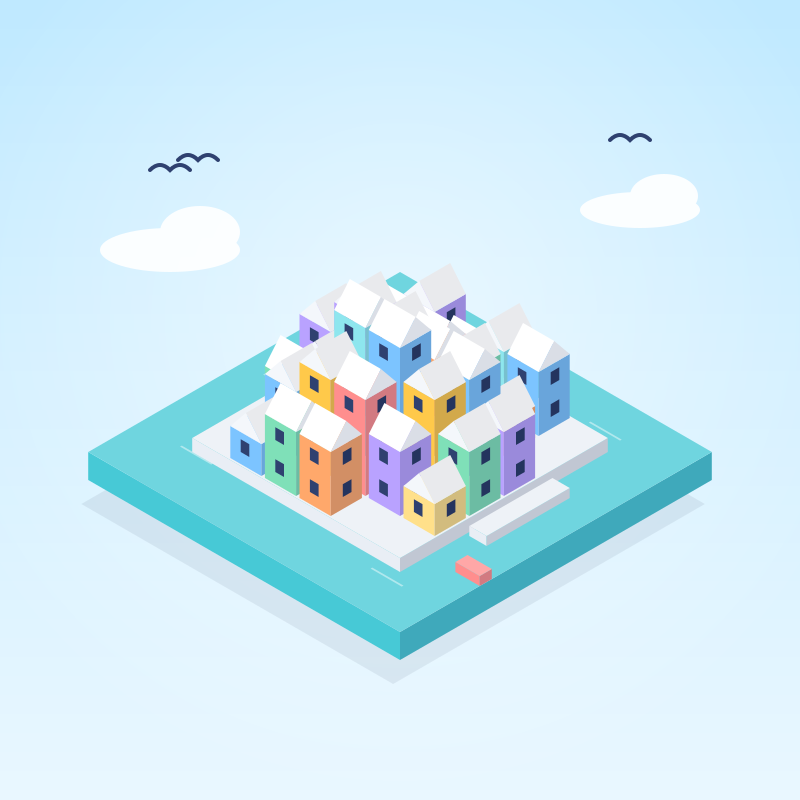 Townscaper
 Moonstone Island
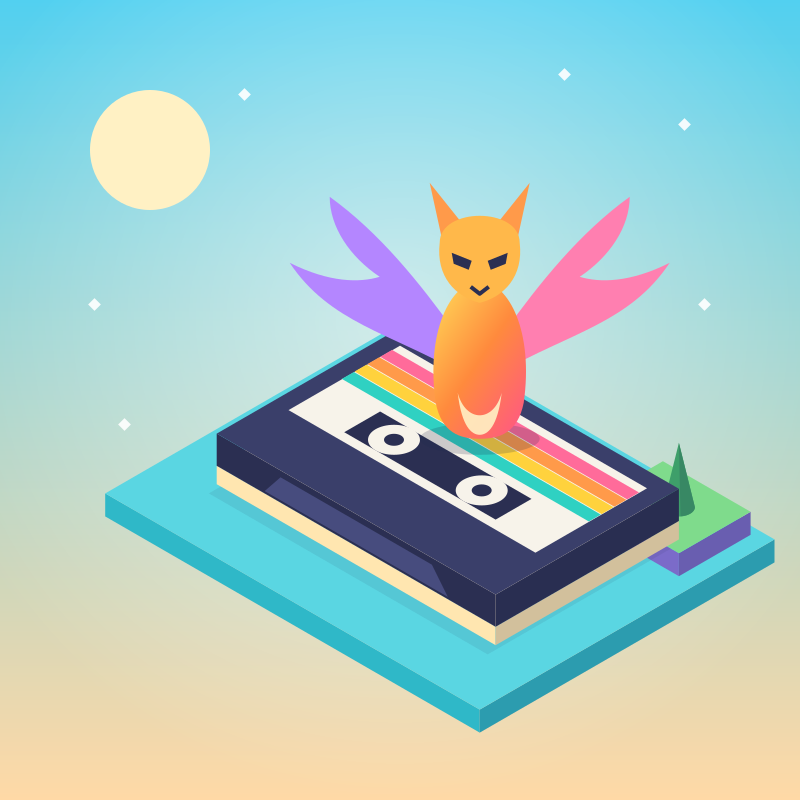 Cassette Beasts
 Dome Keeper
 Star Trucker
The visitor code
A plain guide to playing well: a private self-check, habits for time, body and sleep, money and paid random items, PEGI ratings and family settings, online safety, and free UK help when it is needed.
- ForPlayers, parents and carers
- Sections19, from planning to free UK help
- Self-checkPrivate. Nothing saved or sent
- Urgent helpCall 999, NHS 111, or Samaritans on 116 123
Why we wrote this
The games we hang are very good at holding your attention. That is what makes them worth playing, and it is also why a review site owes its readers an honest page about the other side. Games work best as one good part of a full life. This guide is about keeping them there, and none of it is about playing less for its own sake.
Your self-check
This is a prompt to reflect, not a diagnosis. Your ticks stay on this page; nothing is saved or sent.
Plan the session first
- Decide how long you’ll play before you start, and set a timer on something other than the game. The visit planner builds the breaks and a closing time for you.
- Choose a stopping point you can actually reach: the end of a level, a finished match, the morning after a night’s defence. Each plaque’s Checkpoint line suggests one.
- Stop at that point, not at “one more go”. Good games are designed so there is always one more.
- Keep a few evenings a week free of games, especially before exams, early starts and family plans.
Look after your body
- Every 20 minutes, look at something about 6 metres (20 feet) away for 20 seconds.
- At least once an hour, spend five to ten minutes away from the screen: stand, stretch your hands, wrists and shoulders, and drink some water.
- Sit with your back supported, the screen at about eye level and your wrists relaxed.
- If your hands, neck or eyes ache, or you feel dizzy or sick, stop. If it keeps happening, talk to a GP.
Protect your sleep
Finish at least an hour before bed. Bright screens and exciting games make it harder to fall asleep, and a late session takes its toll on the next day. Teenagers usually need eight to ten hours a night and adults seven to nine. Charging phones and handhelds outside the bedroom helps everyone in the house, not only children.
Streaks, events and nudges
Daily rewards, login streaks, battle passes and limited-time events are built to bring you back on the game’s timetable rather than yours. Switch off a game’s notifications, let a streak lapse without guilt and come back when you actually want to. A good game doesn’t punish you for having a life.
Money in games
- Agree a monthly amount before you play, never in the middle of a session.
- Work out what gems, coins and points cost in pounds before spending them. Bundles are often sized so there is always a little left over.
- Keep purchase approval switched on, remove saved cards from children’s accounts and check your statements.
- If a child has spent money by mistake, contact the platform’s support quickly. Most stores have a refund route for accidental purchases.
Every plaque in the collection has a Costs line, so you know what a game sells before you start.
Paid random items
Loot boxes, card packs, capsule machines and prize wheels in game shops work the same way: you pay before you know what you’ll get, and the rare items are rare on purpose. That uncertainty is what makes them hard to stop buying.
- Skip them where you can, and prefer games that show you exactly what you are buying.
- UK industry principles say under-18s should not be able to buy paid random items without a parent or carer knowing. Platform spending limits are how that works at home.
- Never use outside websites that let players stake in-game items or skins on a chance outcome. They are unregulated, often aimed at young players and a common way for spending to spiral.
As far as we found when reviewing them, none of the eight games in our collection sells paid random items.
Age ratings
Games sold in the UK carry PEGI age ratings. The number is the youngest age a game suits, not a measure of difficulty.
- PEGI 3
- Suitable for all ages.
- PEGI 7
- May contain scenes or sounds that could frighten younger children.
- PEGI 12
- Mild violence against fantasy characters, mild bad language or similar.
- PEGI 16
- More realistic violence, stronger language, or references to drugs or crime.
- PEGI 18
- Adults only.
Content icons beside the number explain the reason for a rating, and separate notices flag in-game purchases, including paid random items. PEGI 12, 16 and 18 are legally enforced for games sold in UK shops, overseen by the Games Rating Authority. The PEGI website explains every label and icon.
Family settings
Every major platform has free controls for play time, spending, age limits and who can contact a child: Xbox Family Settings, PlayStation Family Management, Nintendo Switch Parental Controls, Steam Families, Apple Screen Time and Google Family Link. Ask About Games has step-by-step guides for each one.
Set them up together with your child and explain why. Rules agreed at the start work far better than rules imposed halfway through a game.
Staying safe online
- Keep your full name, address, school, passwords and photos to yourself.
- Use chat filters, and keep voice and text chat to people you know where you can.
- Block and report anyone who is abusive or pushy, or who asks you to move to a private app, send pictures or keep a secret.
- If an adult’s contact with a child feels wrong, report it to CEOP, part of the National Crime Agency. Internet Matters has setup guides for consoles and apps.
When a game gets frustrating
Hard levels and competitive matches can be thrilling and stressful in equal measure. Take a break after a run of losses instead of queuing straight back in, mute or block players who spoil it, and remember that a rank measures a match, not a person.
Comfort and accessibility
Read each game’s photosensitivity warning: a small number of people can have seizures triggered by flashing lights or patterns, sometimes with no history of them. Turn on reduced motion, lower camera shake, widen the field of view, and use subtitles, colour-blind modes and difficulty assists whenever they help. Using them is still playing the game properly. If fast movement makes you feel sick, stop and rest before it builds.
When gaming becomes a problem
The World Health Organization describes “gaming disorder” as gaming taking priority over other interests and daily life, and continuing despite the harm it causes, usually for a year or more. Signs to look out for, in yourself or someone else:
- regularly playing far longer than planned;
- losing sleep, or skipping meals, school, work or friends;
- irritability, low mood or anxiety when not playing;
- spending more than intended, or hiding it;
- dropping other hobbies and people.
The NHS National Centre for Gaming Disorders treats people aged 13 and over in England, and accepts self-referrals. Wherever you live in the UK, a GP can point you to the right support.
Talking to someone you are worried about
Start with curiosity rather than a verdict: ask what they enjoy about the game and how they feel after a long session. Agree small changes together instead of an outright ban, and suggest other plans that are genuinely fun. If nothing improves, a GP or one of the services below can help.
Free, confidential help
If the time or money going into games feels out of control, for you or for someone you care about, these UK services help for free and in confidence.
NHS National Centre for Gaming Disorders
Specialist NHS treatment for problem gaming, for people aged 13 and over in England. You can refer yourself.
Visit the centre’s pageGamCare
Free advice and support for anyone whose play or spending feels out of control, and for the people close to them. National Gambling Helpline: 0808 8020 133, any time.
Visit GamCareMind
Information and support on mental health for adults, including what to do when a habit starts to affect how you feel.
Visit MindAsk About Games
Plain guides for parents and players on age ratings, in-game spending and family settings for every console.
Visit Ask About Games
Urgent help and young people
Free and confidential, for anything that is troubling you, not only games:
Childline
For anyone under 19, about anything at all. Call 0800 1111 free, or talk to a counsellor online.
Visit ChildlineSamaritans
Someone to talk to, day or night, whatever you are going through. Call 116 123 free.
Visit SamaritansYoungMinds
Mental health advice for young people, and a helpline for parents and carers worried about a child.
Visit YoungMindsShout
A free, confidential text service, open at any hour. Text SHOUT to 85258.
Visit Shout
In an emergency, call 999. For urgent medical advice that isn’t an emergency, call NHS 111 or visit nhs.uk.
For parents and carers
Play with your children now and then, and ask them to show you what they love about their favourite games. Keep consoles in shared rooms where you can, agree screen-free times such as meals and the hour before bed, and aim for balance rather than bans. Every plaque lists what a game can cost after you buy it and a checkpoint to stop at, to make those conversations easier.
How this site is built
Milentarium has no accounts, notifications, streaks, countdown offers or rewards for coming back. It is free to read, sells nothing and hosts no games. The visit planner exists to help you stop, and the self-check above never leaves your browser. Questions about this guide are welcome at hello@milentarium.co.uk.